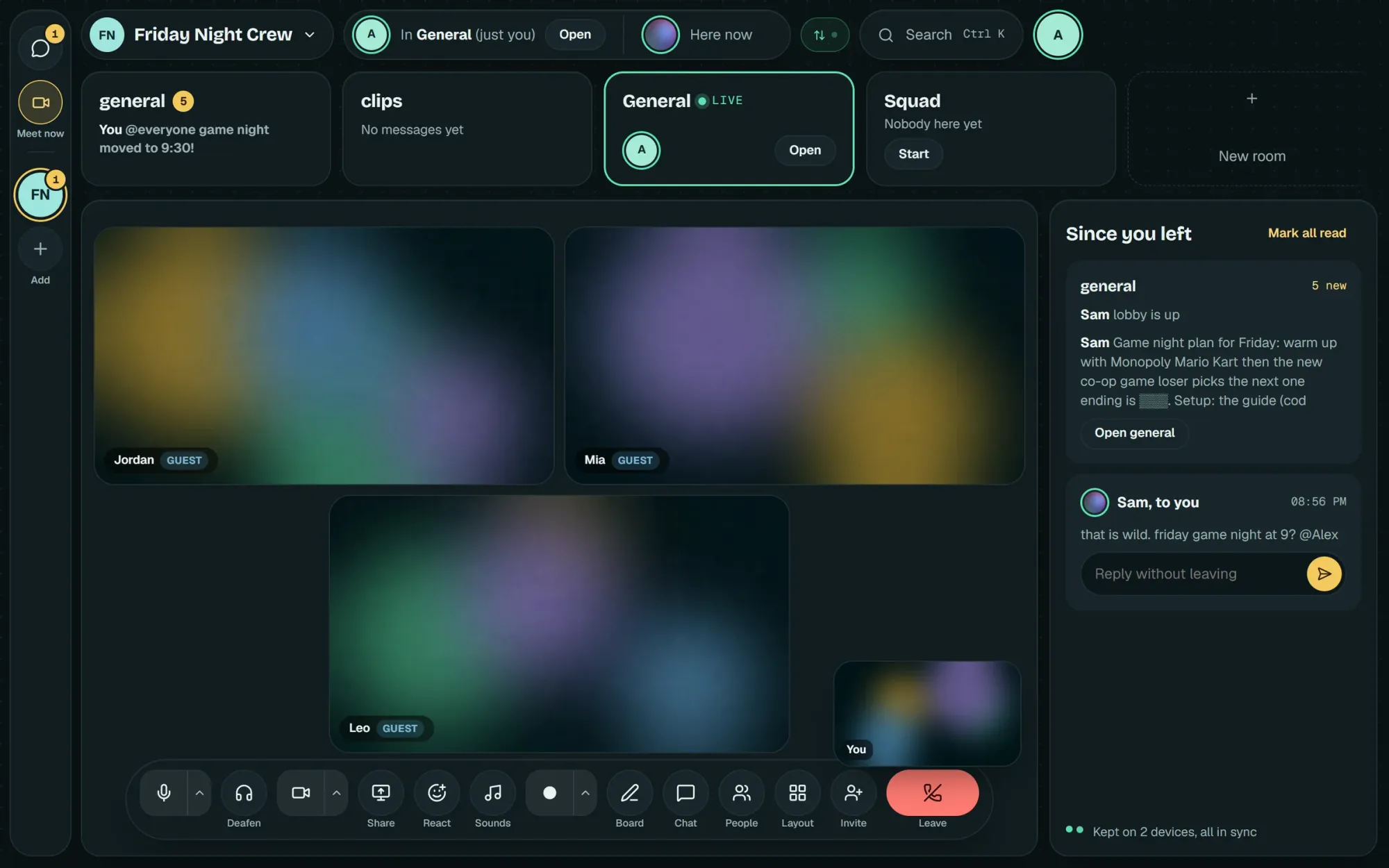
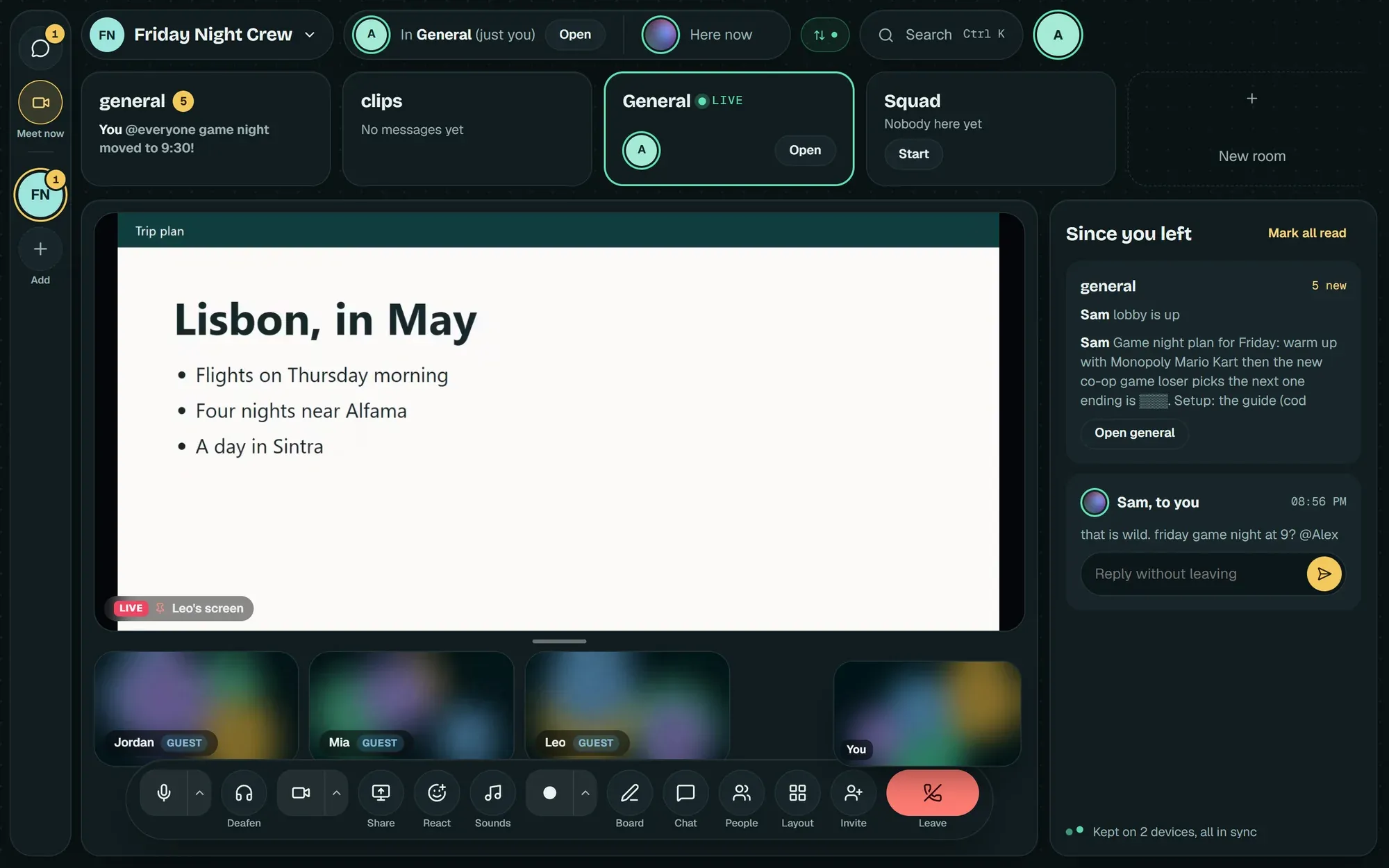
Overview
Covalence is a place for a group of friends, a family or a club to talk: communities with text and voice rooms, private chats, and calls with everything a meeting needs. The difference is where it lives. There is no company server in the middle. Each community lives on its members’ own computers and phones, every member keeps an encrypted copy, and the copies keep each other up to date whenever two of them are online.
I started it with one paragraph of wishes: replace the chat app my friends use, make it cost almost nothing to run, keep everything encrypted, and give calls the full meeting kit (recording, sharp screen sharing) that the big apps keep behind a subscription. The rule that shaped everything after that was mine too: it has to stay free no matter how many people use it. I did not want to be the person paying for millions of users. The name comes from chemistry: a covalent bond is two atoms held together by what they share.
Specifications
- Idea to first release
- 15 days
- Releases in five weeks
- About 30
- Platforms
- Windows, Mac, Linux, Android, iPhone
- Languages
- 18
- Servers to rent
- None, at any size
- Automated tests
- 2,700+ unit, 210 end to end
What it enables
A group can have its own space without anyone renting a server. Nobody has to pay for hosting, set up a machine or become the admin of a cloud account. The community exists as long as its members do. If someone wants it online while everyone is asleep, an old PC or a small computer at home can keep a copy, and even that copy can’t read what it stores.
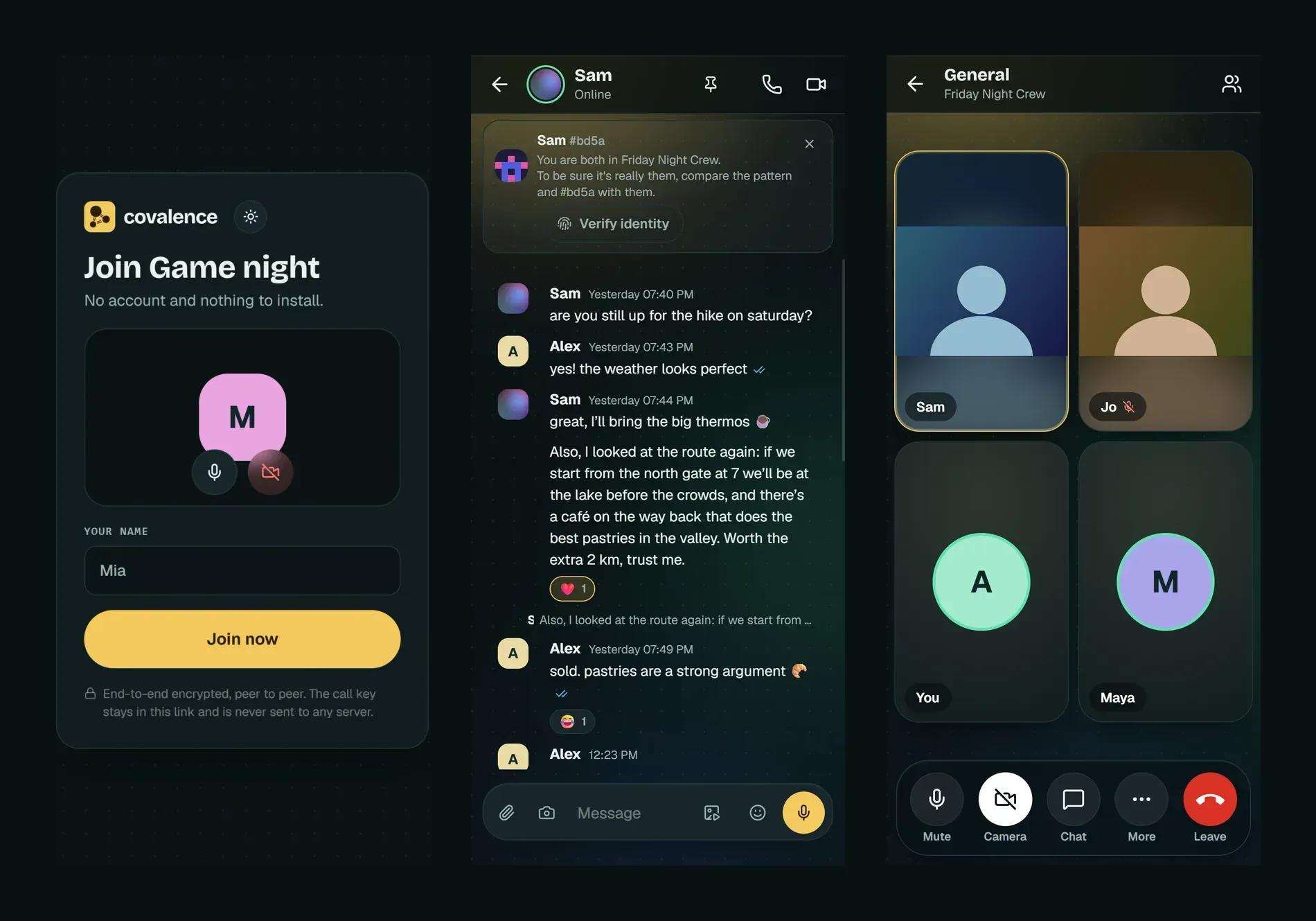
A friend with no app can be in the call from a link. Send a link, they open it on a phone or a laptop, type a name and wait in the lobby until someone lets them in. That is how most of the real testing happened: my family and friends joining calls from their phones, with nothing installed.
A call can have the full meeting kit, free. Screen sharing up to 4K at 60 frames a second with its sound, a whiteboard, drawing on top of a shared screen, recording to a video file, live captions, noise removal, background blur, breakout rooms and a soundboard. None of it is a paid tier.
Nobody outside the group can read it. Messages, files and calls are encrypted end to end. An account is a key on your own device with 24 recovery words on paper, so there is no email or password to steal, and a lost phone can be removed without losing the account.
Highlights
- From a paragraph of wishes to a released app in 15 days. The first version people could install went out on day 15. About 30 releases followed in the next five weeks.
- In every store, on every system. On 2026-11-22 Covalence went live in the App Store and on Google Play, next to the Microsoft Store and the downloads for Mac and Linux. Five systems, one app, in 18 languages.
- Big calls carried by the people in them. As a call grows, the members with the best connections pass it on to the others, each giving only a slice of their connection, with their own use first. When one of them leaves, the call moves on by itself. In a benchmark, a single member’s computer fed 200 viewers using less than one processor core. The real limit is a home connection’s upload, which is exactly why the load is spread out.
- A test suite that runs real calls. Over 2,700 unit tests and 210 end-to-end scenarios that start real copies of the app and real browser guests, put them in calls on purpose-made bad networks, and check that everyone sees and hears everyone.
- About 15 times lighter at rest. A friend’s phone showed Covalence using more than a tenth of a day’s battery in the background. After the fix, a resting laptop’s overnight network use dropped from about 15 MB an hour to about 1, a phone’s roughly halved, and calls still ring at once.
How it works
On a whiteboard it is two pictures: a community as one history with many copies, and a big call as a tree of members’ apps. Everything else hangs off those two.
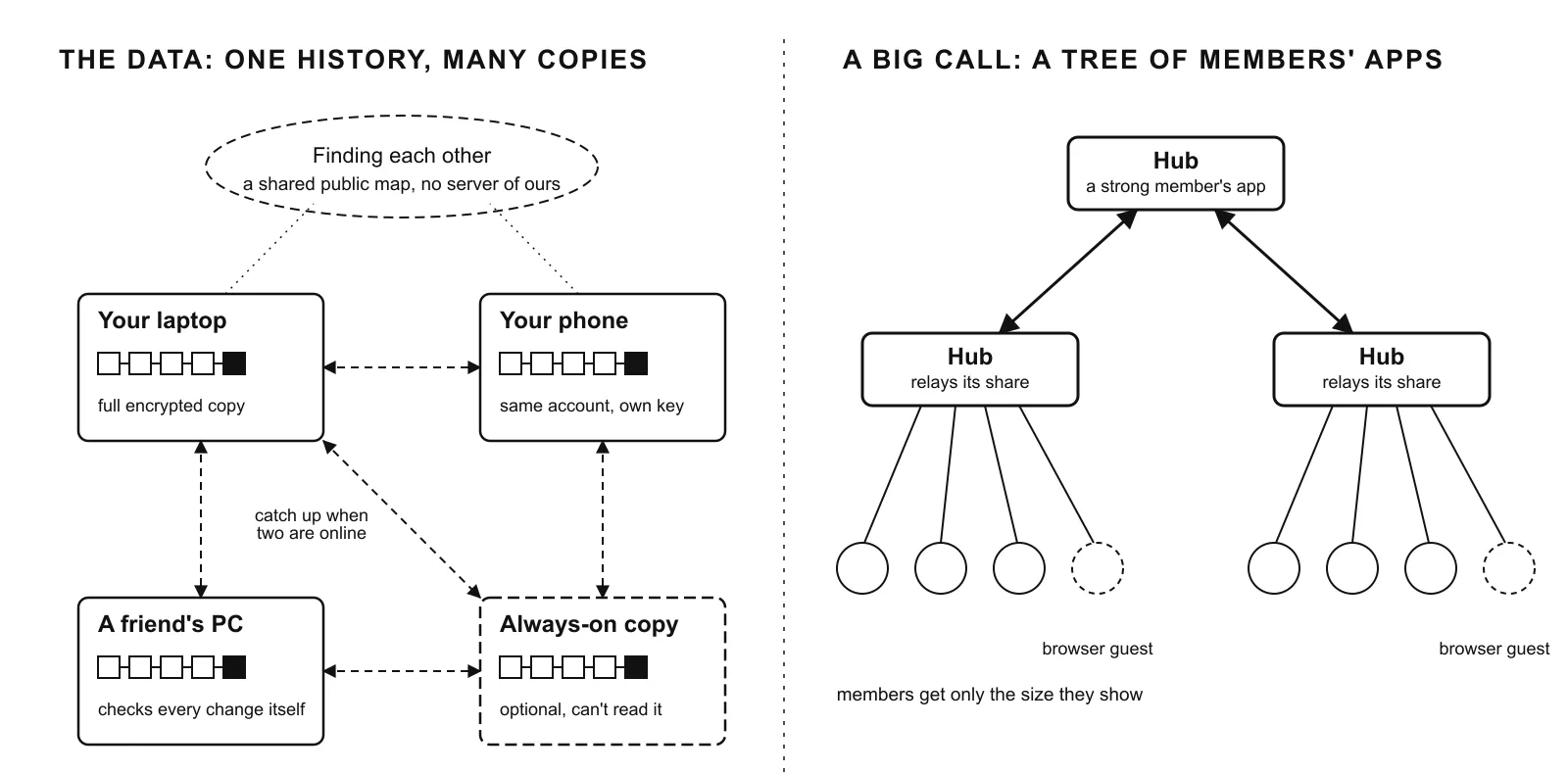
- 1 Signed history Every change is an entry signed by the device that wrote it.
- 2 No address book Devices find each other on a public peer-to-peer map.
- 3 Blind copy Keeps a group online and stores only what it cannot read.
- 4 A relay inside the app A member's computer does the job a meeting service rents a data centre for.
- 5 Each hub a share Stronger computers carry more. No hub sends to all the others.
- 6 Guests in a browser Same call, same encryption, nothing installed.
A community is a signed log
Every community is an append-only log of events: a message, a reaction, a new member, a role change, a ban. Each device has its own key and signs everything it writes. The logs of all the members’ devices are merged into one order that every device ends up agreeing on, much like git merging branches, except that it happens by itself whenever two devices meet. Nobody’s copy is the master copy, and a member who was offline for a week simply catches up.
Permissions are events in the same log. Every app replays the history and checks each event against the rules before accepting it, so a modified app can write whatever it likes and everyone else will refuse it. That is what lets a group have owners, admins, bans and time-outs with no server to enforce them, and why every member can read the log of what the admins did.
Encrypted, with keys that change
Content is encrypted end to end with a key only the members hold. When someone leaves or is removed, the key changes, so they can’t read what is written after they’ve gone. An account is a root key that comes from 24 words written on paper. Each device gets its own key, vouched for by the account, so a lost phone can be cut off without changing who you are. The things that follow you between your own devices (settings, read marks, half-written messages, blocks) live in a private space that is, underneath, a community with exactly one member: you.
Finding each other without a server
Devices find each other through a distributed hash table, a public peer-to-peer map shared by many apps, and then connect directly, getting through home routers the way video calls do. Nothing here is paid per user. When a network is strict enough to block direct connections, the traffic goes through another participant’s app instead of a rented relay. Anyone who wants a group online while everyone sleeps can run a blind copy on an old PC or a Raspberry Pi: it stores and passes on the encrypted log without ever having the key.
Calls: a tree of members’ apps
Calls run on WebRTC. A small call goes directly between people. For bigger ones, the desktop app carries its own media relay, the same kind of component meeting services run in data centres, so a member’s computer can be the call’s hub. As a call grows, more hubs join and link up into a tree: each one attaches to the hub above it that answers fastest, stronger computers take more people below them, and each person sends through a single hub, so every hub forwards only its share. Each video is sent in several sizes at once and every viewer receives only the size they actually show it at. In a big call, only the voices of the people speaking are passed on. When a hub leaves, its people work out their new place among the remaining hubs by themselves, and the call carries on.
Staying up on bad lines
When a line weakens, quality steps down in proportion to what it can carry, voice before picture, and climbs back when it can. A short drop is ridden out instead of triggering a reconnect. Separate watchdogs keep an eye on sending, receiving and playing sound, and repair it on their own, so nobody has to leave and rejoin to fix their audio.
Guests, phones and updates
The guests’ page is a static web page. It finds the call through public relays that only ever see encrypted messages, and the call’s key sits in the part of the link that browsers never send to any server. The phone apps run the same core as the computer, so a phone is a full member, not a remote control. Updates are signed with the project’s own release key and checked before they run. A new version starts on trial and rolls back by itself if it fails to come up.
Challenges
Outcome
Covalence is live: on covalence.chat, in the App Store, on Google Play and in the Microsoft Store, with updates that install themselves and are checked before they run. It is still young. Very large calls are tested in simulation but not yet with a crowd of real people, and on an iPhone, calls and message alerts only arrive while the app is open or was used recently, because waking a closed iPhone needs a paid push service. I chose to keep it free and say so on the website rather than quietly rent one.
What I learned is that the hardest rule was also the most useful one. “Free at any size” ruled out the easy answers again and again, and each time it pushed the design toward something sturdier: the members carry the group, so the group doesn’t depend on me. The other lesson came from my family. The real test was never the test suite. It was someone in my family joining from a link on an ordinary phone, and every time that went wrong, it showed me something the tests had missed.